



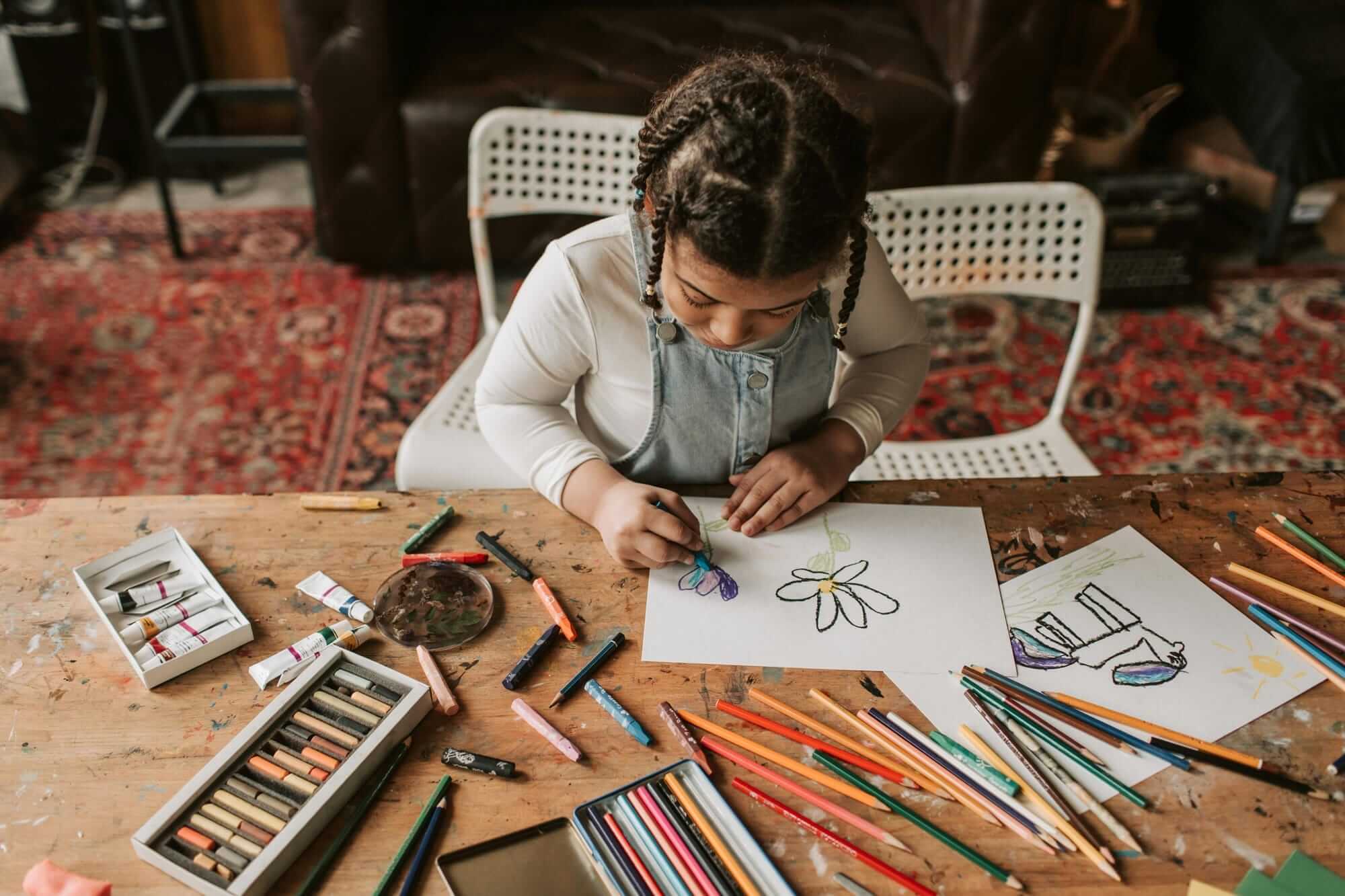
Screens are a natural part of how kids play, which makes them a powerful place to nurture creativity.
Recent research shows that kids who took part in arts activities like drawing and painting were linked with higher self-esteem at age 11. Drawing gives kids a way to practice focus and express ideas, and builds resilience for when they encounter difficulties. One of the simplest ways to help them build these strong habits is to start with a drawing app for kids.
Drawing apps help kids create anywhere, explore different styles, and try new approaches without worrying about supplies or cleanup. They can test colors, shapes, and tools, undo changes, and keep experimenting until they like what they see.
In this article, you’ll get a curated list of the best drawing apps for kids, with quick notes on what each one is best for, so you can pick the right option without testing a dozen first.
What is a drawing app for kids?
A drawing app for kids is a digital space designed to let kids draw, color, and create using simple, age-friendly tools. Instead of paper and crayons, kids use brushes, stamps, shapes, and colors on a screen, often with guided prompts or open canvases that encourage free exploration.
One big advantage of drawing digitally is how forgiving it is. Mistakes disappear with a tap, there’s no mess to clean up, and kids feel more comfortable trying bold ideas without worrying about wasting paper or starting over. That freedom helps build confidence and keeps creativity flowing, especially for kids who get frustrated easily.
Drawing apps also open the door to more creative mediums than paper alone. Kids can switch between pencils, paint, markers, textures, and layers in seconds, helping them experiment with styles they might not try offline. When used thoughtfully, a drawing app can turn screen time into productive, creative time that supports focus, imagination, and self-expression.
It also offers more benefits, including:
- Faster setup: No supplies to find, sharpen, or replace—kids can start in seconds
- Unlimited materials: Apps offer endless colors, brushes, and backgrounds without buying extra supplies
- Save and revisit: Kids can pause, come back later, and keep building on an idea
- Easy sharing: Kids can send artwork to family or print favorites
- Helpful guidance: Many apps include step-by-step prompts, tracing, or simple lessons
- Space-friendly: Kids can create without paper piles, paint spills, or drying time
Best drawing apps for kids
Kids don’t need a complicated app to make great art. They need tools that feel friendly, respond quickly, and make it easy to explore ideas without getting stuck.
To build this list of the best drawing apps for kids, we looked for apps that are simple to learn, fun to use, and designed for creative play. We also compared features (such as brushes, layers, and guided prompts), checked pricing and free options, and considered age appropriateness, safety settings, and reviews on major app stores.
1. Project Aqua by Adobe
Project Aqua is Adobe’s premier creative playground, specifically designed to bridge the gap between simple play and intentional design for kids aged 5–12. Built by a team of parents at Adobe, it’s an interactive archipelago of creative islands where art becomes an adventure.
What truly sets the platform apart is its integration of advanced technology into a kid-friendly environment. Through 3D Dunes, children can see their flat drawings come to life as three-dimensional art and move them around using augmented reality. Meanwhile, Magic Filters (powered by Adobe Firefly) allow kids to transform their sketches into entirely new styles, like claymation, origami, or neon worlds. It even helps parents manage the paper pile at home with Capture Cove, a feature that lets you scan physical paper drawings, clean them up digitally, and store them in a personalized digital Aqua Museum.
Great for: Kids who want to see their art come to life through 3D and AR
Price: Free
2. Fresco

Adobe Fresco is a drawing and painting application built for touch and stylus devices. The application features three distinct brush types: live brushes that use AI to mimic the behavior of oils and watercolors, pixel brushes for texture work, and vector brushes for creating crisp lines of any size.
The interface allows users to work with both raster and vector layers within a single document. It includes features such as motion tools for frame-by-frame animation, layers with blending modes, and a touch shortcut button that modifies tool behavior. Work is saved to the cloud for access across iPad, iPhone, and Windows devices.
Great for: Professional painting and drawing
Price: Free
3. Kids Doodle - Paint & Draw by Doodle Joy Studio
Kids Doodle is a drawing application centered on high-contrast, neon-style art on a dark canvas. It includes 24 brushes, such as glow, neon, fireworks, rainbow, and crayon effects. A primary feature is the movie mode, which records the drawing steps and plays them back as a video, allowing the user to see the progression of their work from start to finish. The app also lets you draw directly on photos imported from the device's gallery.
Great for: Creating glowing drawings on black or dark backgrounds
Price: Free option; $4.99/week for premium features
4. CBeebies Get Creative
CBeebies Get Creative is a multi-media creative application featuring characters from the BBC’s CBeebies shows, such as Hey Duggee, Peter Rabbit, and Octonauts. The app includes five distinct areas: magic paint for digital drawing and stenciling, block builder for 3D construction, terrific toys for designing animated digital playthings, sound doodles for mapping audio to brushstrokes, and play puppets for creating short animated stories. It features open-ended canvases, seasonal-themed packs, and an in-app gallery for storing and replaying the creation process.
Great for: Young children who recognize characters from the popular television series
Price: Free
5. ArtWeaver

Artweaver is a Windows-based painting program that simulates traditional artistic media in a digital environment. It includes a brush system that emulates physical materials such as chalk, charcoal, pencils, and oil paints. It also enables collaborative projects, letting multiple users work on the same canvas via a local network or the internet. Additionally, the software records the entire creation process as events, which can be saved and replayed to demonstrate how a piece of art was constructed from start to finish.
Great for: Kids and teens who want realistic brush painting, layer-based artwork, filters, and replays of the drawing process
Price: Free; $54 for Plus
6. Crayola Create and Play
Crayola Create and Play provides a digital space where children interact with the brand’s familiar artistic tools in a virtual environment. The experience centers on a creative hub where kids use digital crayons, markers, and paints to color in pre-made pages or design their own custom pets. Beyond the canvas, the app offers activities such as 3D craft-building, color-mixing experiments, and even a digital "Smithsonian Museum" area where art, history, and science meet.
Great for: Kids who want a creative learning app
Price: Starts free, then $2.99/month
7. Joydoodle
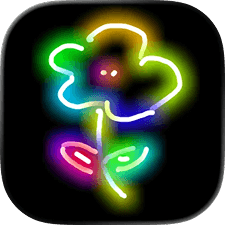
Joydoodle is a casual drawing space designed to function as a digital neon board where strokes produce glowing effects, rainbow colors, and starry patterns. The experience is centered on the visual impact of its magical brushes, such as neon, ribbon, fireworks, and crayon, which allow for the creation of complex patterns. Users also have the option to import photos from their device's gallery to decorate them with neon sketches and effects.
Great for: Neon sketches and effects
Price: Free
8. Toca Boca
Toca Boca offers a series of digital environments where design and storytelling are integrated into open-ended play. In Toca Boca World, children use a character creator to customize appearances, hair, and outfits, and a home designer tool to furnish and decorate various locations. The Toca Boca Jr collection includes specific creative activities such as styling hair with different colors, constructing 3D worlds with blocks, and designing characters in Toca Mini. The platform functions as a digital toy box where kids move characters and items between scenes to build their own narratives.
Great for: Kids who like creating characters, outfits, and scenes, then using them to build stories through pretend play
Price: Free to download, but offers extensive in-app purchase
9. Simply Draw
Simply Draw is a tutorial-based application that focuses on teaching the fundamentals of pencil drawing on paper. The application provides structured learning paths—including Animals, Nature, and Characters—that break down subjects into a series of steps. Users follow video instructions from professional artists, with the option to draw either on a physical sketchbook or directly within the digital interface. The app includes a "Journal" for photographing and archiving physical drawings and a "Playground" section with draw-along videos for extra practice.
Great for: Kids who want guided, step-by-step drawing lessons
Price: Free but comes with in-app purchases
10. Color by Number
Color by Number is a paint-by-numbers coloring app that uses numbers, shapes, pictograms, or letters to guide kids as they color. It includes a simple mode with recognizable images for younger children, plus a more complex mode where pictures are split into many small sections. If a child picks the wrong area, the app prompts the correct number so the image follows the intended pattern.
It also includes options that add light math practice for older kids, such as solving addition or subtraction problems to select the right color. Kids who are learning letters can use a “color by letter” mode. The platform also offers online coloring, printable pages, and additional activities.
Great for: Kids who like guided coloring with numbers, shapes, or letters, plus optional math practice
Price: Free to download but has in-app purchases
11. Procreate
Procreate is a drawing and painting app made for iPad. It includes a brush library, layers, selection tools, text tools, color controls, and export options for formats like PSD, PDF, PNG, and JPEG. The app also records the drawing process automatically and generates time-lapse replays that can be saved or shared.
Great for: Older kids and teens interested in digital illustration, layered artwork, and time-lapse replays on iPad
Price: One-time payment of $12.99
12. Tate Draw

Tate Draw is a web-based drawing application developed by the Tate museums in London to connect children with art history through digital creation. The platform provides several distinct modes of interaction, including free draw for open-ended sketching and memory draw, where users view a piece of art from the Tate collection before attempting to recreate it from memory.
Other options include mirror draw for exploring symmetry and invisible drawing, where the lines remain hidden until the user chooses to reveal the final result. Drawings can be uploaded to a public digital gallery, saved to a personal device, or even sent to be projected onto the walls of the physical Tate Modern or Tate Britain galleries.
Great for: Sketching and scribbling on a browser-based drawing game
Price: Free
13. Draw and Tell by Duck Duck Moose
Draw and Tell is a creative tool that combines digital illustration with audio narration. The application provides a set of tools, including crayons, paintbrushes, and colored pencils, alongside rainbow and glow-in-the-dark effects. Users can choose from blank canvases, patterned backgrounds, or stickers to build their scenes. The primary function of the app is the tell mode, which records the user’s voice while they move stickers and draw on the screen. This allows children to create narrated mini-movies that capture both their visual art and their verbal storytelling in a single video file.
Great for: Kids who want to pair drawings with voice recordings and sticker-based storytelling
Price: Free
14. Paper by WeTransfer
Paper is a sketching application designed around the concept of digital journals and tactile interaction. The interface uses a notebook-based organizational system where users swipe through virtual journals to access their work. It includes a specific set of tools calibrated for a natural feel, such as a fountain pen, pencil, and watercolor brush.
The workspace is stripped of visible menus and buttons to maintain a distraction-free environment. The app also features a cut tool for repositioning or duplicating elements and the ability to sketch or take notes directly on top of imported photographs.
Great for: Kids who want a sketchbook-style app for drawing,taking notes, and organizing pages into journals on iPad or iPhone
Price: Free to download and offer in-app purchases
Encourage creative play with the best drawing app for kids
A drawing habit can start small. A few minutes of creative play each day can give kids a place to experiment, build focus, and feel proud of what they made. The right drawing app for kids supports that routine by keeping tools simple, mistakes low-pressure, and ideas easy to try again.
If you want an app that blends drawing with playful exploration, Project Aqua by Adobe gives kids spaces to create, transform their art, and save their favorites in one place. It’s built for creative play and designed to grow with their curiosity.
Get started with Project Aqua by Adobe.
Drawing app for kids resources
What’s the best drawing app for kids?
The best drawing app for kids is one that supports creativity without pressure. It should feel simple to start, flexible enough for experimentation, and welcoming for short or longer creative sessions. Project Aqua by Adobe fits that balance by giving kids space to draw, explore ideas, and build on their work over time, all while treating mistakes as part of the creative process.
Is there a free how to draw app for kids?
Many how-to-draw apps for kids include free tools, but the experience can vary widely. Some focus on step-by-step results, while others leave room for experimenting, remixing, and building confidence over time. Many apps offer paid premium subscriptions to use additional features.
If you want a free option that supports open-ended creativity, Project Aqua by Adobe is built around learning that feels like play, using tutorials, design challenges, and pass-and-play games that teach art fundamentals. It’s also designed for families, with no ads or upsells, and tools like Capture Cove that let kids scan paper drawings, turn them into digital art, and remix or share them.
Is there an iPad drawing app for kids?
Several drawing apps are built specifically for iPad, taking advantage of the larger screen and touch controls. These apps give kids more room to draw, trace, color, and experiment with details. Project Aqua by Adobe works on iPad and is designed for kids, combining drawing, tracing, coloring, and creative challenges in a single space.
What are some free drawing games for kids?
Free drawing games for kids often focus on play and exploration rather than finished results. Many include open canvases, coloring activities, tracing, or simple prompts that encourage kids to experiment with shapes, colors, and ideas. These games work well for short creative sessions and help introduce drawing without pressure or cost.