



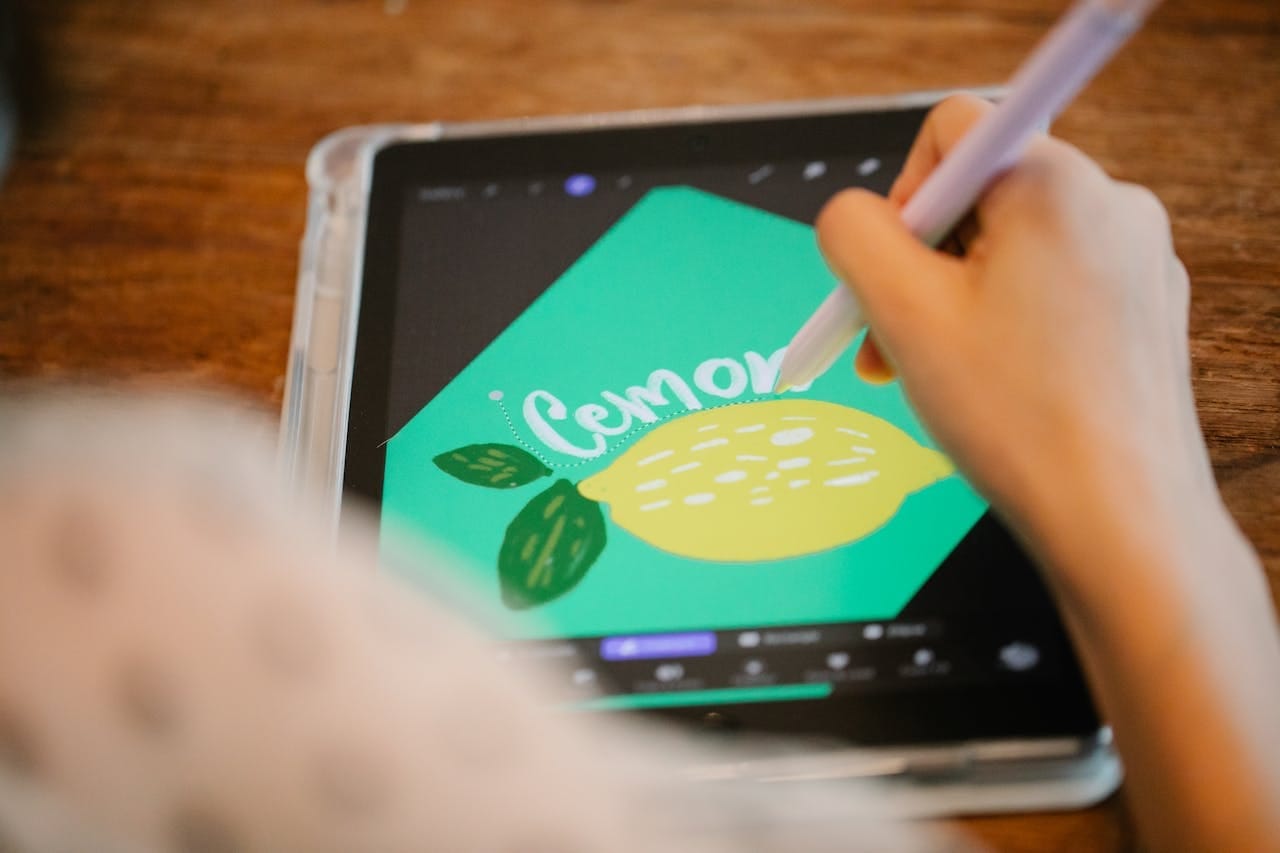
Creative play for kids is about using their imaginations to interact with the world around them. Coloring is a great way to encourage kids to be creative and to keep them entertained, but it’s not always easy to carry art supplies around for right when you need them.
Drawing or coloring apps for creative screen time offer a fantastic way to entertain your kids and give them an opportunity for creative play. It’s a double benefit – they get to unleash their inner world through art, and you get a few minutes of focus time.
And for neurodivergent kids who have difficulty focusing or sitting still, screen time can be a powerful tool, particularly if it’s used to engage with something they love like art. “What the research shows is that screen-based activities, whether it’s playing games online with other kids or using screens for education, have clear benefits for kids,” according to Dave Anderson, PhD, at the Child Mind Institute.
Coloring in the digital space also widens kids’ artistic horizons. Many coloring apps offer a full range of colors, even more than the biggest box of crayons money can buy. Kids can play with color mixing or use tools like airbrushing that may be too hard for their little hands to use in the real world.
There are many options on the market, and choosing the right one can be tricky. Keep reading to explore some important things to consider when picking out a coloring app for creative screen time.
What to consider when choosing a coloring app
Apps vary widely in their user experience, and it’s extra important to think about this when you’re handing an app to your kids. Here are a few things to keep in mind:
- Ad experience: Some apps include ads that may or may not be appropriate for young eyes or may become clickbait for little hands. Whenever possible, opt for an ad-free experience.
- “Freemium” traps: Many apps use microtransactions, which are little purchases to make the in-game experience more fun. Without parental controls turned on, these mini-charges can easily become big bills if kids press too many buttons.
- Content access: Consider what content your child can access within the app. If it’s not fully appropriate for their age or has no parental controls, try a different app.
- Watermarks: Art apps sometimes include watermarks by default in the free versions as a way of prompting users to pay for the experience. You may need to purchase the full version of these apps to remove them. Other apps may include watermarks for art that is AI-generated. These are more difficult or impossible to remove.
- Coloring experience (tap vs. stroke): Your child’s age and dexterity may determine what kind of coloring they want to do. Both are accessible to all ages as explorative play, but you may want to provide a certain option over another depending on your child’s preferences.
- Art tool options: Older kids may really enjoy a wide variety of digital art tools at their fingertips, while younger kids may be overwhelmed by a highly detailed interface. Look for something that you know will offer the right balance for your kids.
- Offline mode: Some apps require you to play while connected to data or wifi in order to force ads or to ensure constant data collection. This can be especially irritating if you want to keep your kiddos occupied during a long plane ride when you have to put your device in airplane mode. Online mode can be great for updates and events, but look for apps that allow offline play to get the best experience.
- Printable options: When kids create art on physical things like paper and canvas, they get to enjoy that special moment when they hang their art up for everyone to enjoy. Don’t let digital tools rob them of that moment. Instead, look for apps like Aqua by Adobe that allow kids to print their digital creations so they can end up where they belong—pride of place on the fridge.
Best coloring apps
The best coloring apps for creative screen time combine a mix of engaging coloring opportunities for kids with a safe and age-appropriate experience. We’ve taken a look at some of the top apps on the market and showcased the features of each so you can make an informed decision about the best choice for your kids.
1. Aqua by Adobe
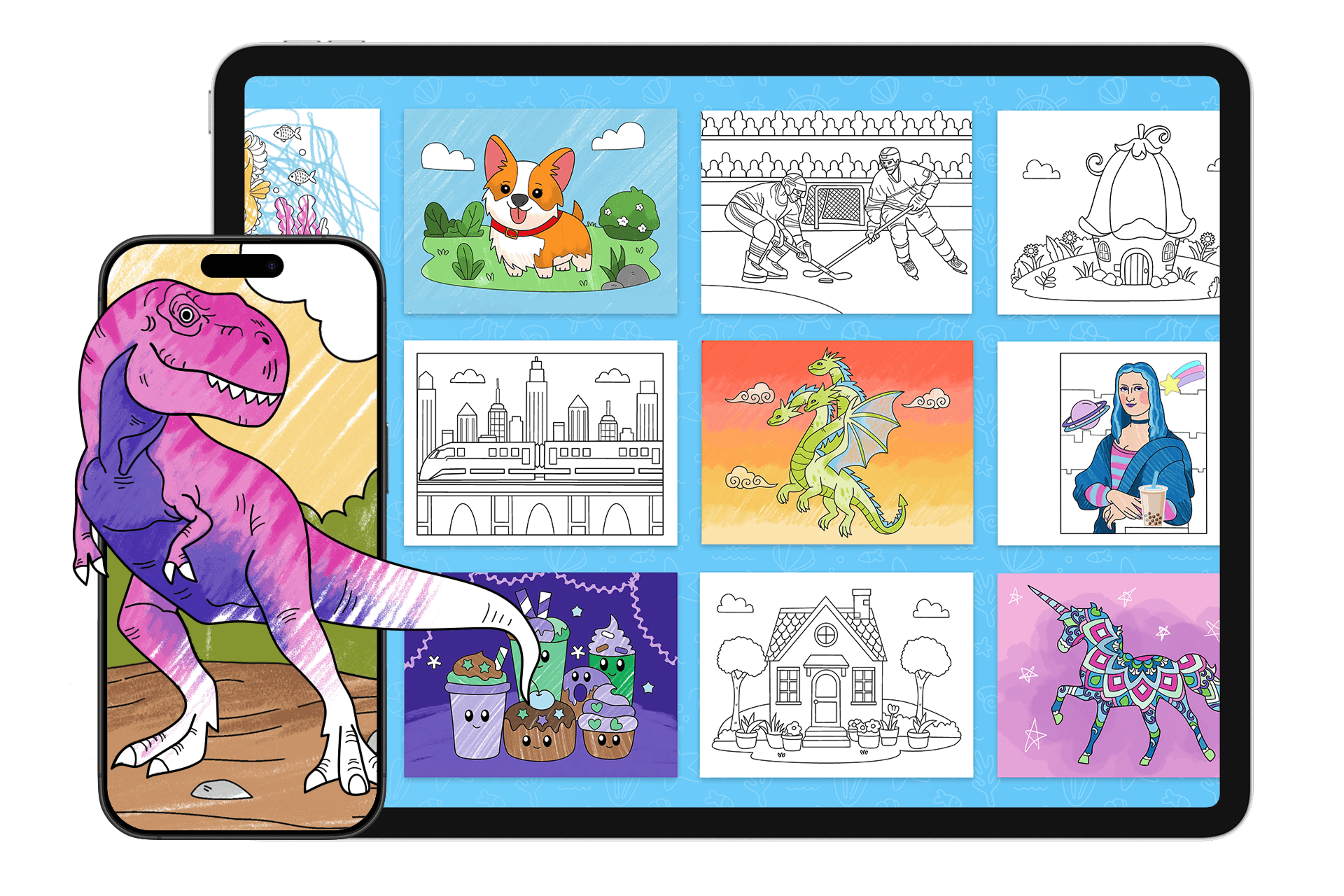
Aqua by Adobe combines the best elements of imaginative, artistic play with creative educational opportunities in their free app designed just for kids. Kids can explore themed islands with coloring games that they can play solo or with family and friends, art lessons that teach and entertain at once, and a museum where they can showcase their finished work.
With the magic button, kids can opt to allow AI to transform their creations into a special new image. They can choose from different themes and styles, add their own flair, and then add it to the in-app museum gallery or even print their finished project to display on your fridge.
Engaging themes, color palettes, and brush tools give your kids a full range of creative freedom at any age and ability level. Each child can create their own profile, and you, the parent, can rest easy with parental controls designed to keep your kids safe and you up to date with their artistic activities.
Pricing: Always free

2. Adobe Freso
Adobe Fresco is a drawing app designed for beginner to advanced users. Users can choose from simple tools like pens, brushes, and color mixing, or work with more advanced techniques like building drawings using layers. Some animation tools are available, as well as tools like Symmetry and Paint Inside, which can create neater-looking drawings.

Pricing: Free
3. Pigment
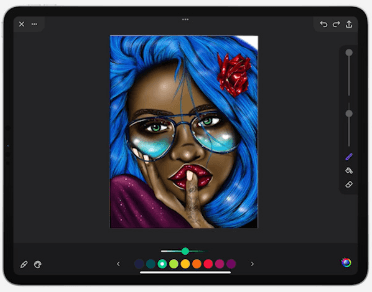
Pigment is a drawing app that works with any stylus. Unlimited color mixing options are available, and users can choose from textures and fills unique to the app. A large library of coloring pages is available, and options like tap-to-fill or brush strokes allow for customization of the drawing experience.
Pricing:
- $4.99/week
- $9.99/month
- $59.99/year

4. Tayasui Sketches
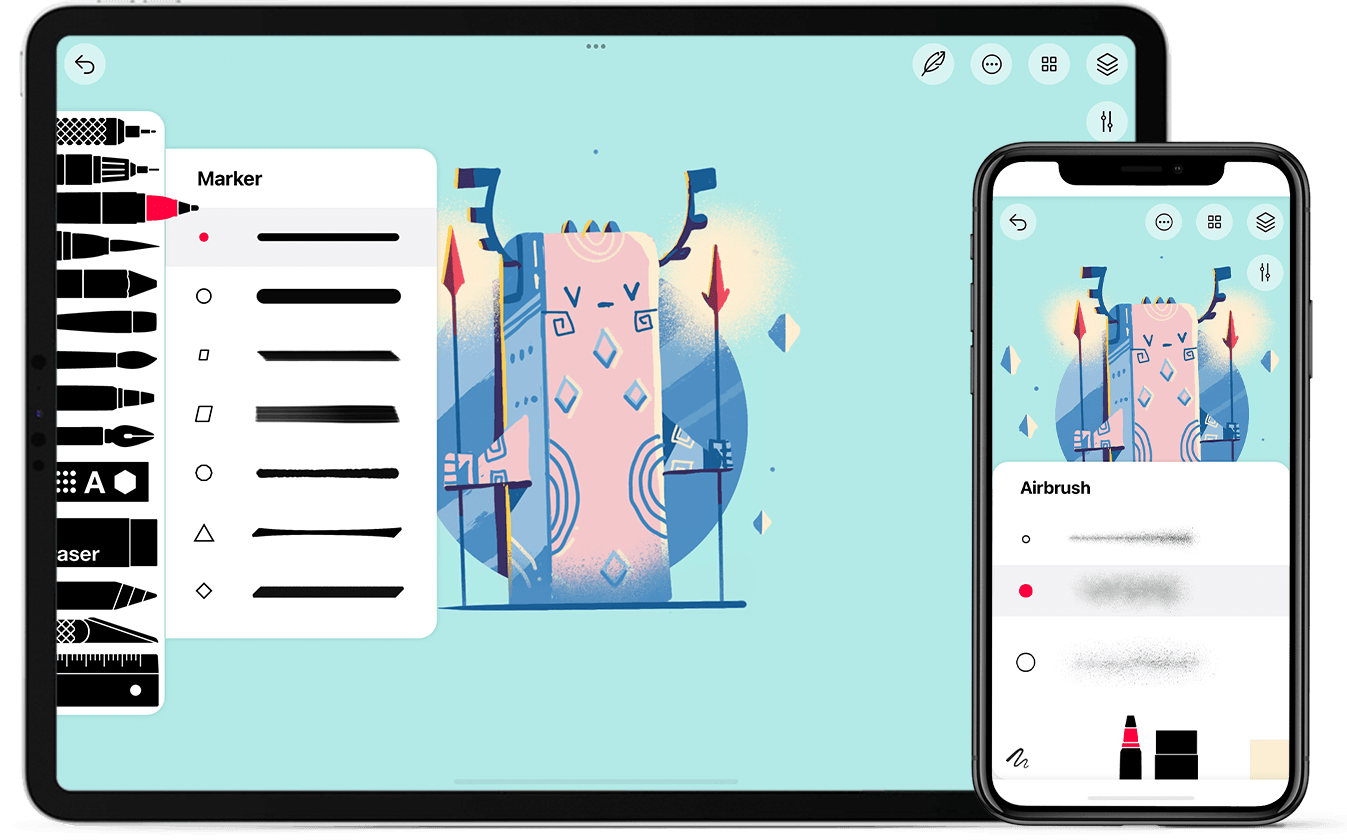
Tayasui Sketches is a minimalist drawing app that focuses on realistic tools. Paintbrushes have previews that show what appears on a page when used in the app, and tools like watercolor and acrylic brushes are intended to mimic physical artwork. Zen mode offers a blank page experience designed for free sketching and drawing.
Pricing:
- Free for basic
- $3.99/week
- $69.99/year
5. Procreate
Procreate is a drawing and general art app for users of all levels, but it also caters to more advanced artists. Layering techniques and high levels of brush and tool detail let artists create whatever is in their imagination. Beginners can learn the app using the educational series provided by Procreate, and teachers can access lesson ideas and resources on the website.
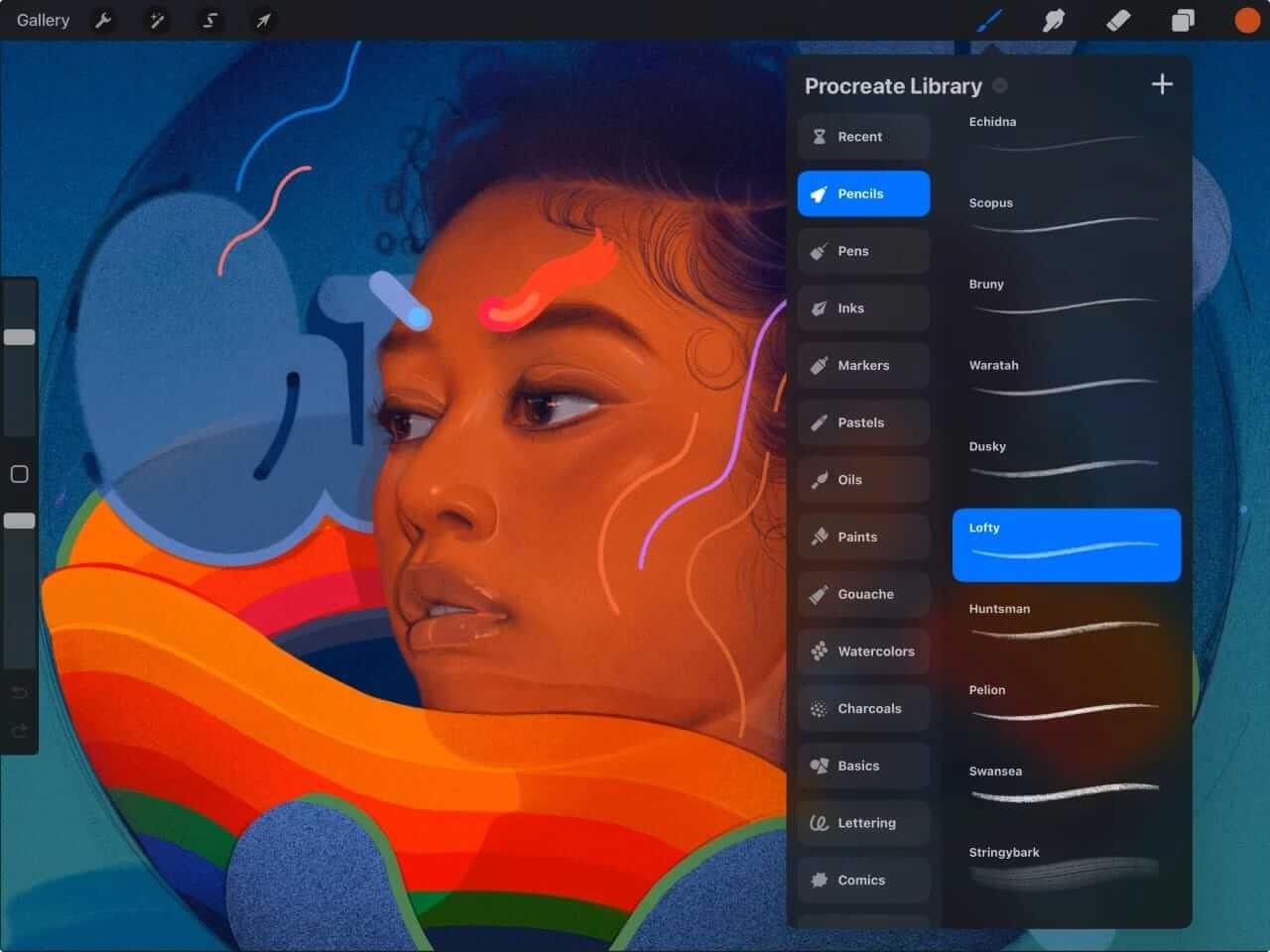
Pricing: $12.99
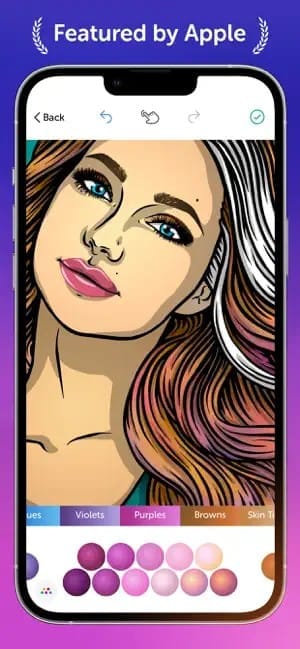
6. Recolor
Recolor is primarily a coloring page app that offers a variety of palettes, gradients, and tools, and users can share their finished art in galleries. Each coloring page featured in the library is created by a professional artist, but you can also upload your own images to color.
Pricing:
- Free for basic access
- $29.99/month
7. Colorfy
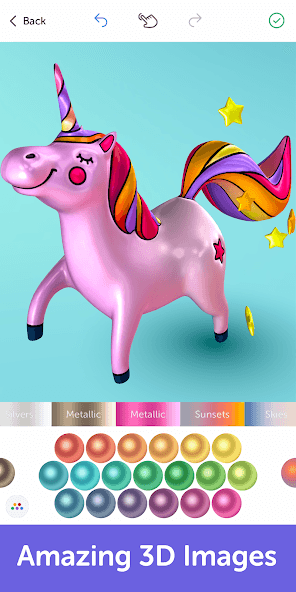
Colorfy is a coloring page app that offers both off- and online play. Users can choose from among a library of 1000 images or upload their own artwork to color. An augmented reality option lets artists try out their digital drawings in their real space. This app also offers a mandala drawing feature in addition to the coloring pages.
Pricing:
- Basic: Free
- Premium: $9.99/week

8. Lake: Coloring Books
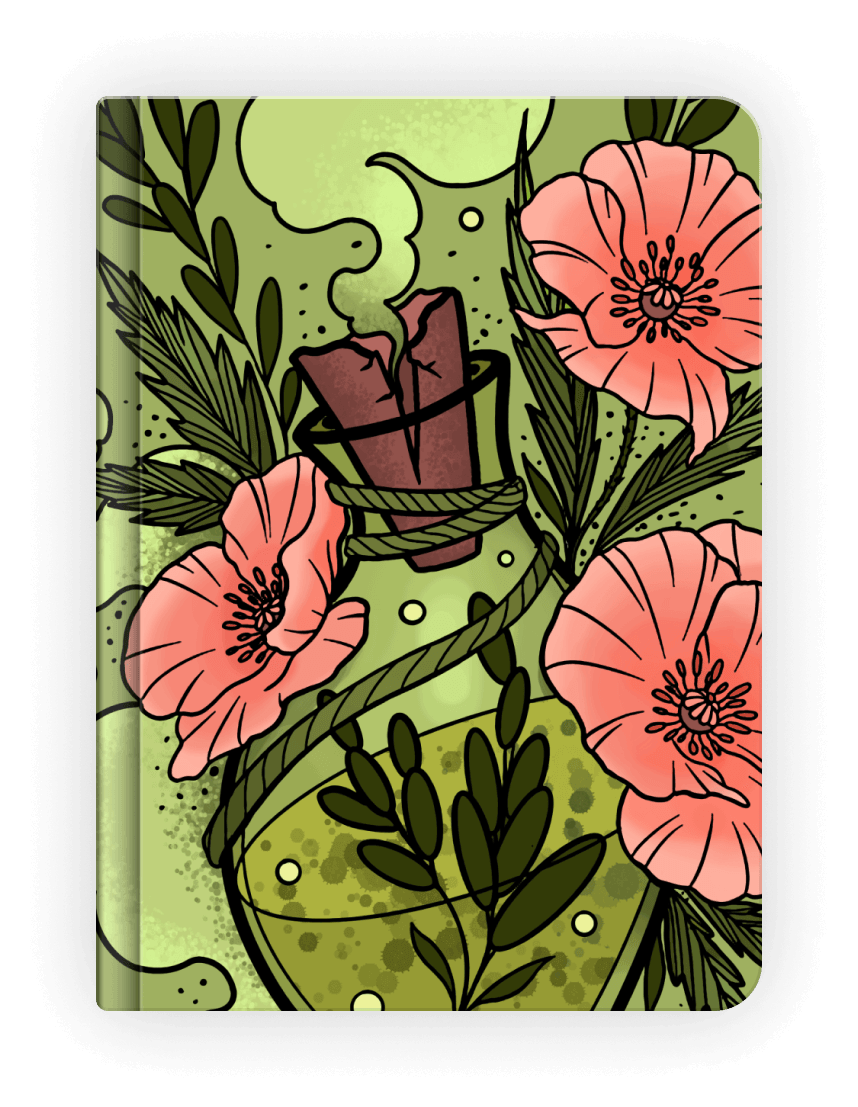
Lake features coloring pages created by professional artists. Users can choose from various coloring books organized around themes and stories and work from their own palette of colors. The app offers realistic brush-stroke sounds, and artists can learn different techniques with the available tools and tutorials on the blog.
Pricing:
- Free for basic access
- $9.99/month
- $39.99/year

9. Paint by Number
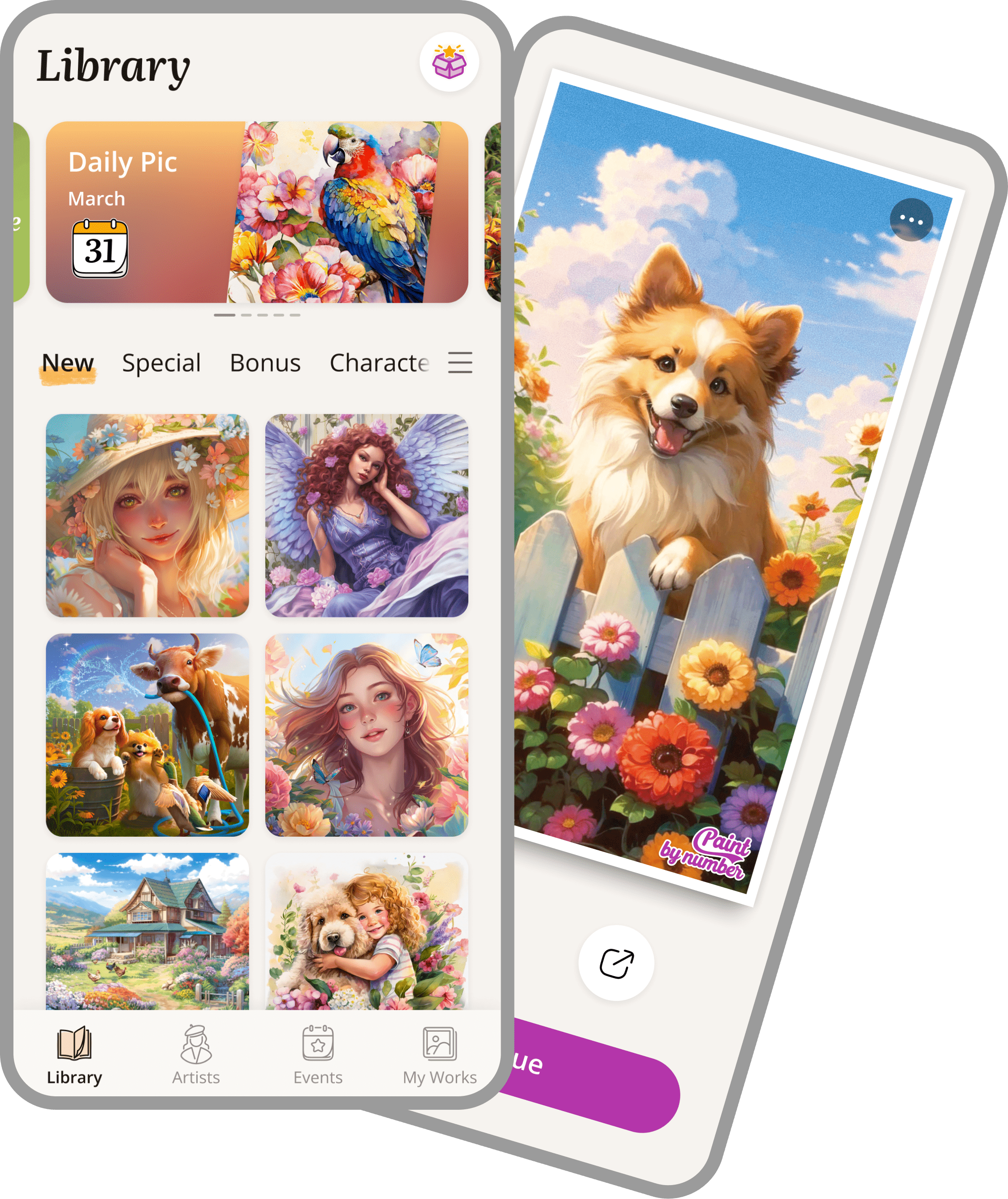
Paint by Number focuses on pre-chosen colors to create a finished image. Users can tap each section and fill it with the assigned color, eventually creating a finished, cohesive piece of art. This app offers some game elements like seek and find and event experiences alongside the basic coloring options available.
Pricing:
- Free for basic access
- $4.99/week
- $9.99/month
- $69.99/year
10. Tap Color Pro
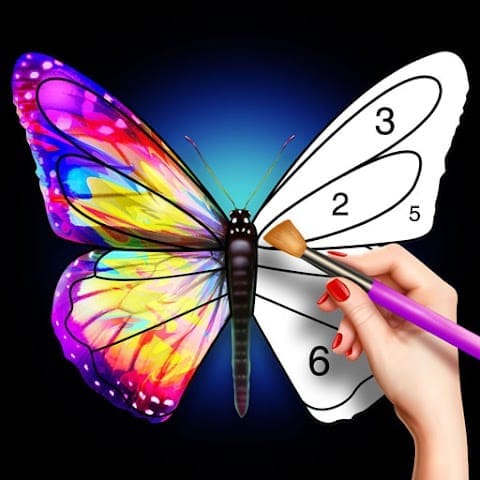
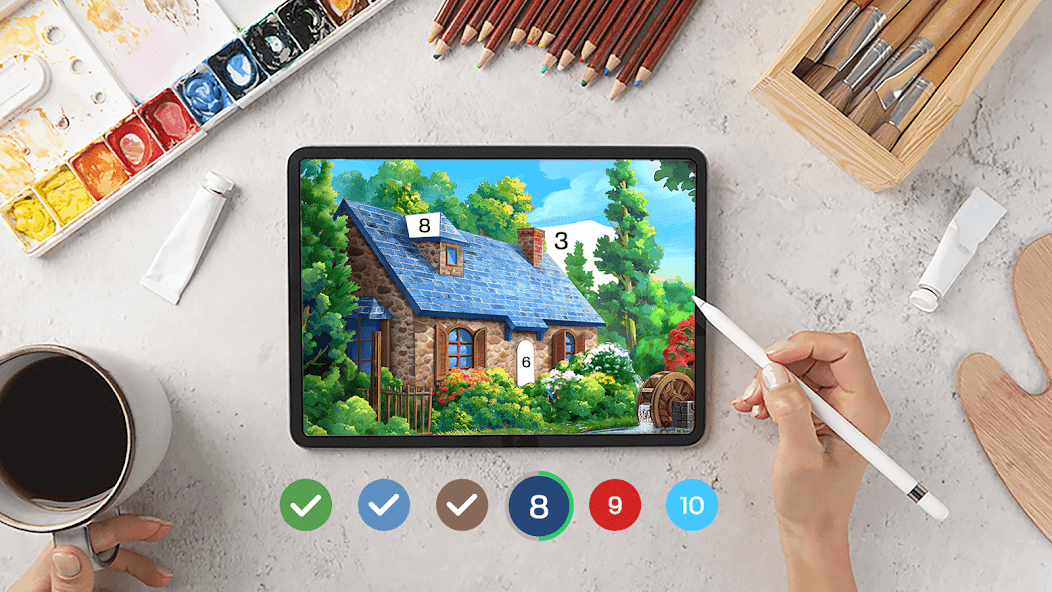
Tap Color Pro offers 20,000 paint-by-number images in 30 categories for users to choose from. This app focuses heavily on the paint-by-number experience, but also rolls out seasonal events for users. Basic and complex images are available for artists in different age, ability, and interest brackets.
Pricing:
- Free for basic access
- $4.99/week
- $9.99/month
- $49.99/year
11. Oil Painting Color by Number
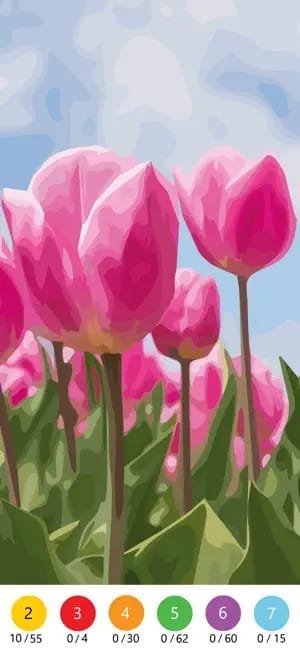
Oil Painting Color by Number focuses on the specific oil-painting style for all of its color-by-number artwork. Users can choose from a library of images and categories and tap-to-fill coloring pages that turn out in the style of oil paintings. Hints and paint buckets, which fill all sections with the same number at once, can make this app easier to use.
Pricing: Costs vary for premium and by-page access
12. Happy Color by Numbers Game
Happy Color by Numbers lets users work with a library of specifically color-by-number pages. Some images are relatively easy, while others have a high degree of complexity. Hints are available for numbers that elude the artist, and ads may appear in the app from time to time. An ad-free option is available for purchase.
13. Color Planet
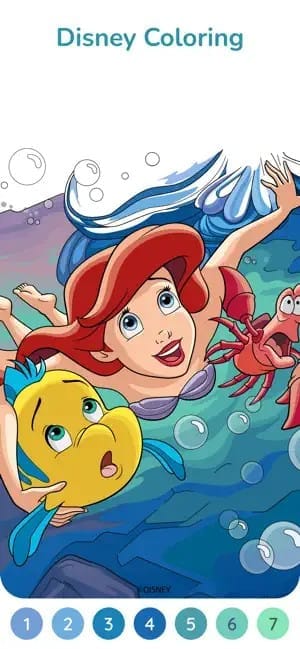
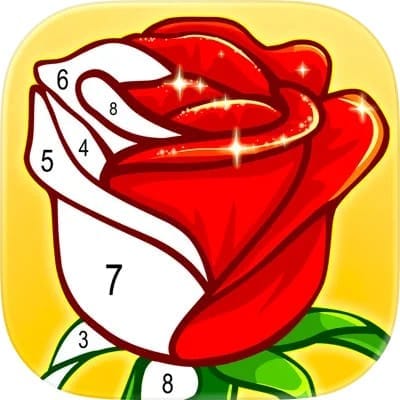
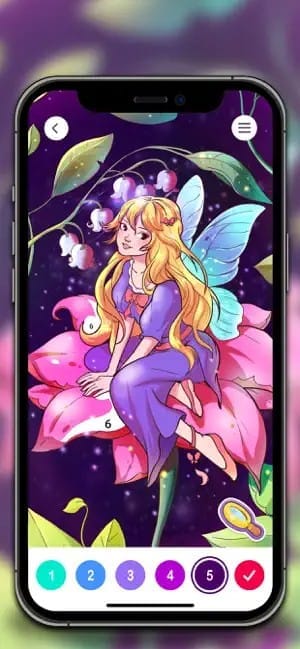
Color Planet Paint by Number has a library of around 3000 images for users to choose from among various categories. This is a basic color-by-number app with new images uploaded regularly. Artists use the tap-to-fill technique to complete images with pre-chosen colors and can save their work to look at a completed project later or to finish a page another time.
Pricing:
- Free for basic access
- $7.99 for premium access
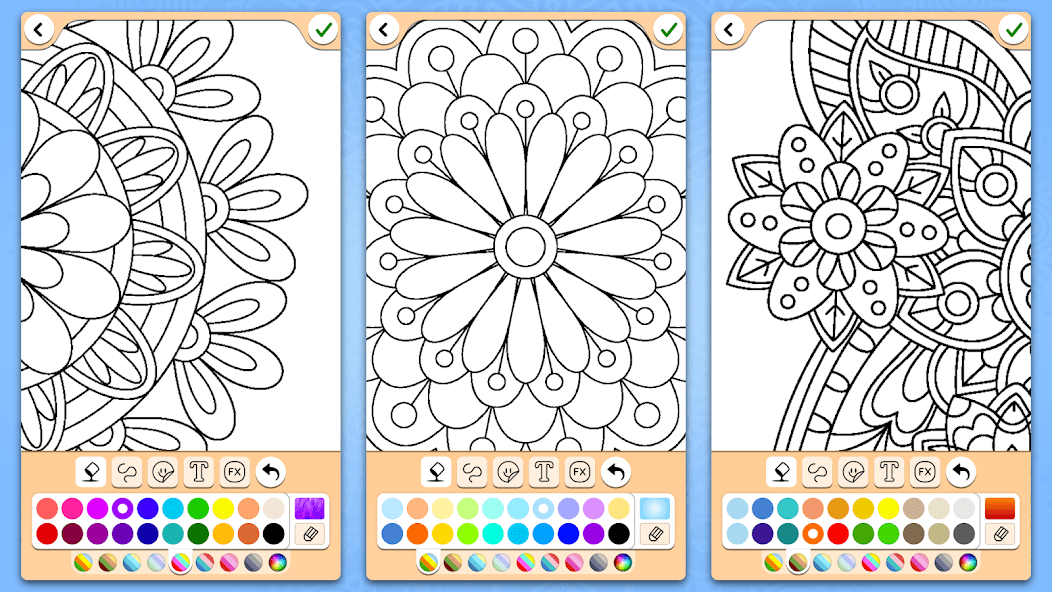
14. Mandala Coloring Pages
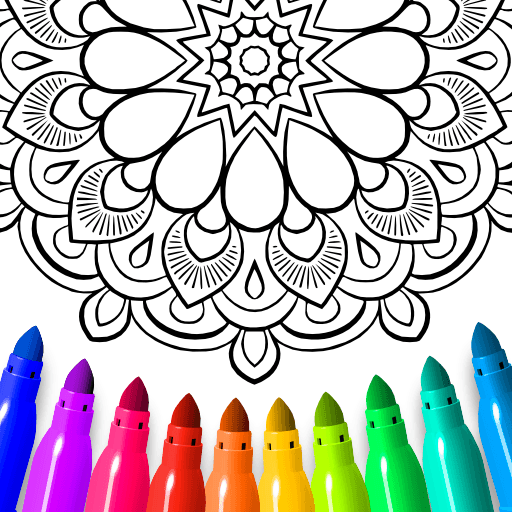
Mandala Coloring Pages focuses on mandalas only in its library. Users work with a palette of colors to finish each page in their own style. The app recommends artists work with a larger screen, like a tablet, and use a stylus rather than fingertips to fill out the small areas of each mandala. Palettes are available, and artists can opt to draw their own mandalas on a blank digital page.
Pricing:
- Free for basic access
- $1.99 - $36.99 per item

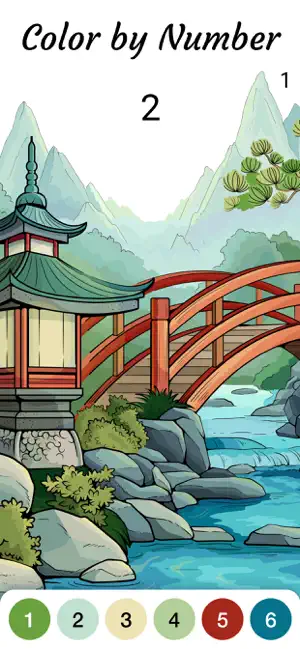
15. Zen Coloring Book
Zen Coloring Book focuses its coloring pages and palettes around the Japanese Zen style. With the sound turned on, users can listen to in-app background music while they work through the color-by-number pages. This app features natural images and mandalas along with categories like Calm, Affection, Happiness, and others in that theme.
Pricing:
- Free for basic access
- $9.99 to remove ads

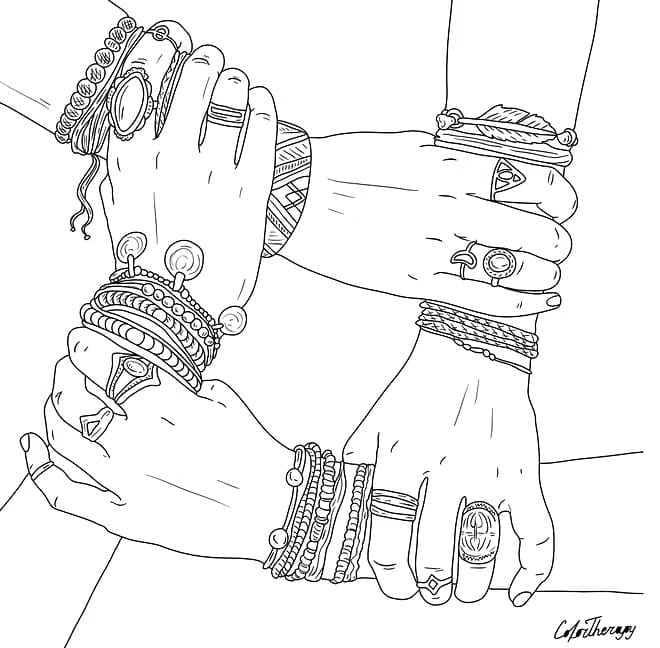
16. Color Therapy
Color Therapy focuses on the mental health aspects of coloring. They work with artists to offer coloring pages and books around their chosen theme and style. Users can color with a high level of detail or keep things simple depending on their age and ability level.
Pricing:
- Free for basic access
- $5.99/week
- $9.99/month
- $59.99/year

17. Colorscape
Colorscape began with a focus on creating coloring-page-style outlines from home photos. It now uses AI to offer this feature to users along with other features like text-to-image generation. Artists can also use AI with their artwork and designs to create products like hoodies or mugs within the app.

Pricing:
- Free for basic access
- $4.99/monthly
- $29.99/yearly
- Additional items and subscription styles are available for varied costs

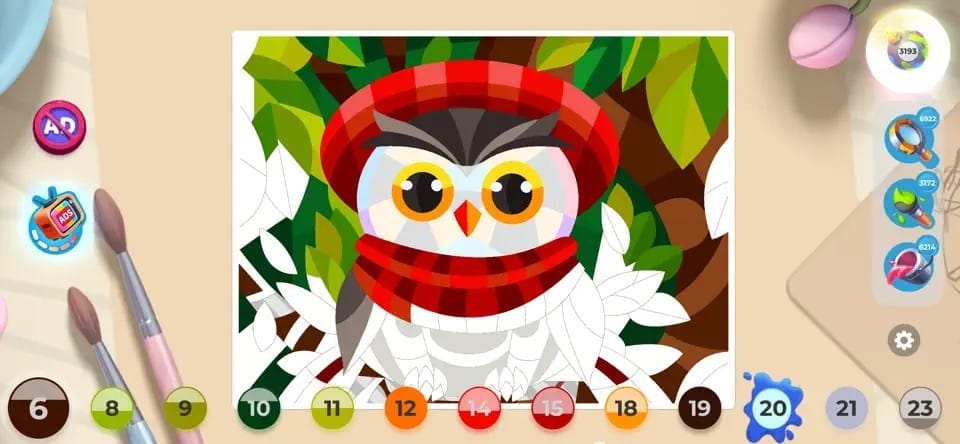
18. Gallery: Coloring Book & Decor
Gallery Coloring Book & Decor offers a gamification element alongside the traditional color-by-number elements. Users color in images with a predetermined palette as they follow a story about an artist who left her job to fulfill her passion for creating art. As the story progresses, users get to renovate and decorate her house in between coloring pages.
Pricing:
- Free for basic access
- $7.99/week
- Various in-app item purchases
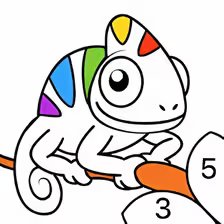
19. Chamy
Chamy is a simple color-by-number app that lets users color in images with pre-determined color choices and a library of images that’s updated regularly. Artists can share their images to social media from the app if desired.

Pricing:
- Free for basic access
- $7.99/week
- $15.99/month
- $47.99/year
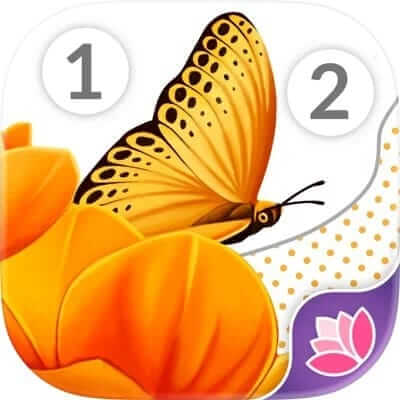
20. April Coloring
April Coloring is a color-by-number app that offers a swipe-coloring experience rather than the more standard tap-to-fill option in this category of coloring apps. This app features a level-up function that unlocks additional pages and options as you color more pages. Apple Pencil users may find that additional techniques for painting are available to them.
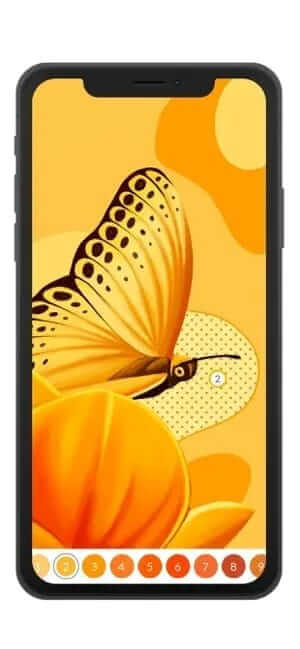
Pricing: Free for basic access or subscription plans starting at $9.99/month
21. Cross-Stitch World
Cross-stitch World features artwork in the specific style of cross-stitch that users can create stitch by stitch. As with physical cross-stitching, users work from patterns that identify pre-chosen colors similar to paint-by-number style coloring. Coloring pages are worked stitch by stitch until the page is finished.

Pricing: Free with in-app purchases available
22. Pixel Art: Color by Number
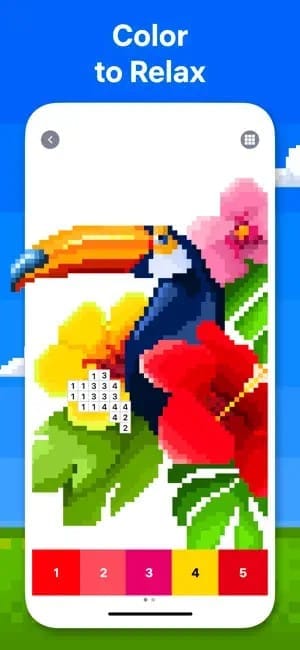
Pixel Art: Color by Number combines the color-by-number style with pixelated graphic design styles to create a detailed coloring experience. Users work by number and by square to fill out coloring pages from within the app or design unique coloring pages using their own images. Tools like Magic Wand and Coloring Splash can fill multiple cells at once, or users can choose to fill out the colors cell by cell.
Pricing:
- Free for basic access
- $14.99/month
- $46.99/year

23. Sandbox - Pixel Art Coloring
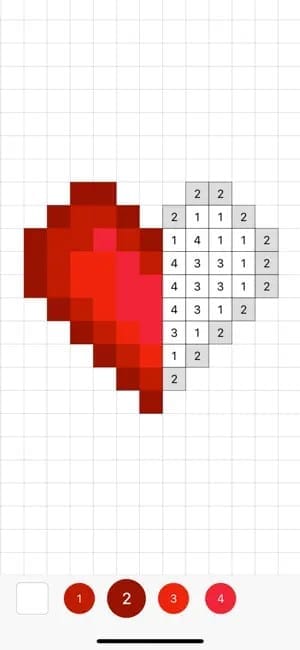
Sandbox - Pixel Art Coloring lets users create images in the pixel-art style. This ad-free app includes color-by-number coloring pages, free drawing in the pixel style, and image generation in pixel style from user-provided images. Collections and search options are available for users to create art or find inspiration.
Pricing:
- Free for basic access
- $2.99/week
- $7.99/month
- $39.99/year
24. No.Pix
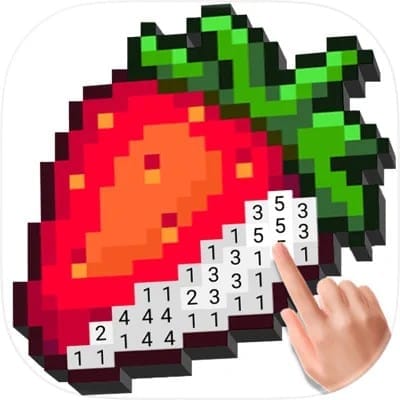
No.Pix is a pixel-style color-by-number app that features categories like Cute, Cross-stitch, Cartoon, and others. Users work with pre-chosen palettes to fill out each image with varying degrees of complexity. Once the drawings are finished, time-lapse videos show how the work was completed and drawings are saved for users to return to.

Pricing:
- Free for basic access
- $4.49/week
- $9.99/month
- $69.99/year
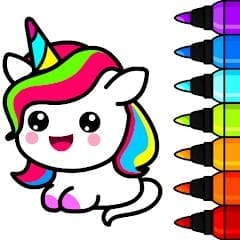
25. Unicorn
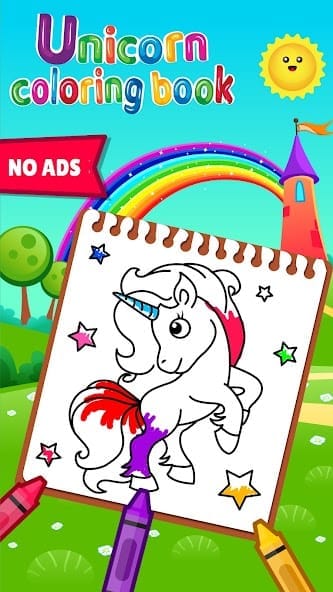
Unicorn is a small coloring book app designed for kids featuring 70 coloring pages. Some drawing games are available alongside painting and doodling options. The main theme of this app is unicorns and ponies, and it features simple coloring pages made for little hands.
Pricing: Free
26. Pixel Paint
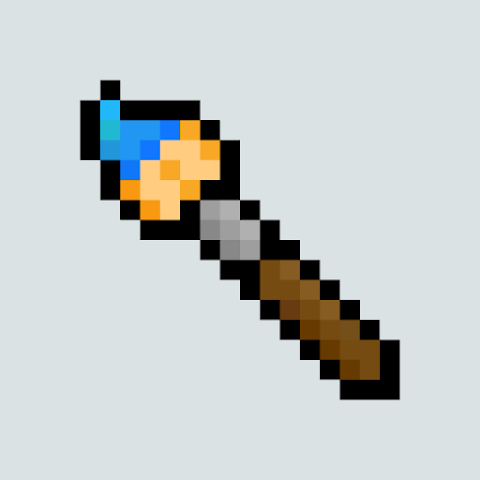
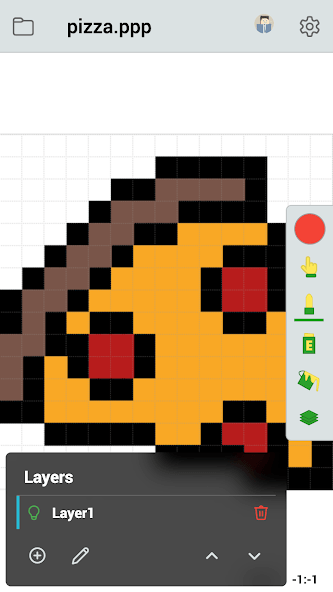
Pixel Paint is an app designed for 8-bit and retro-style drawing. Users can work within the app to draw their own pixelated creations, and animation features are available. Canvas sizes and palettes can be customized, and art can be saved and exported when complete.
Pricing: Free with in-app purchases
Create on and off screen with the best coloring app
The best coloring app for your child is the one that most effectively promotes creative play in a safe environment. Aqua by Adobe is among the best on the market for young kids due to its parental controls, options for creative play, educational content, and artistic tool offerings. With plenty of choices for kids to choose from within the app, you can be sure your kids have an exciting and creative way to develop their art skills with creative screen time.